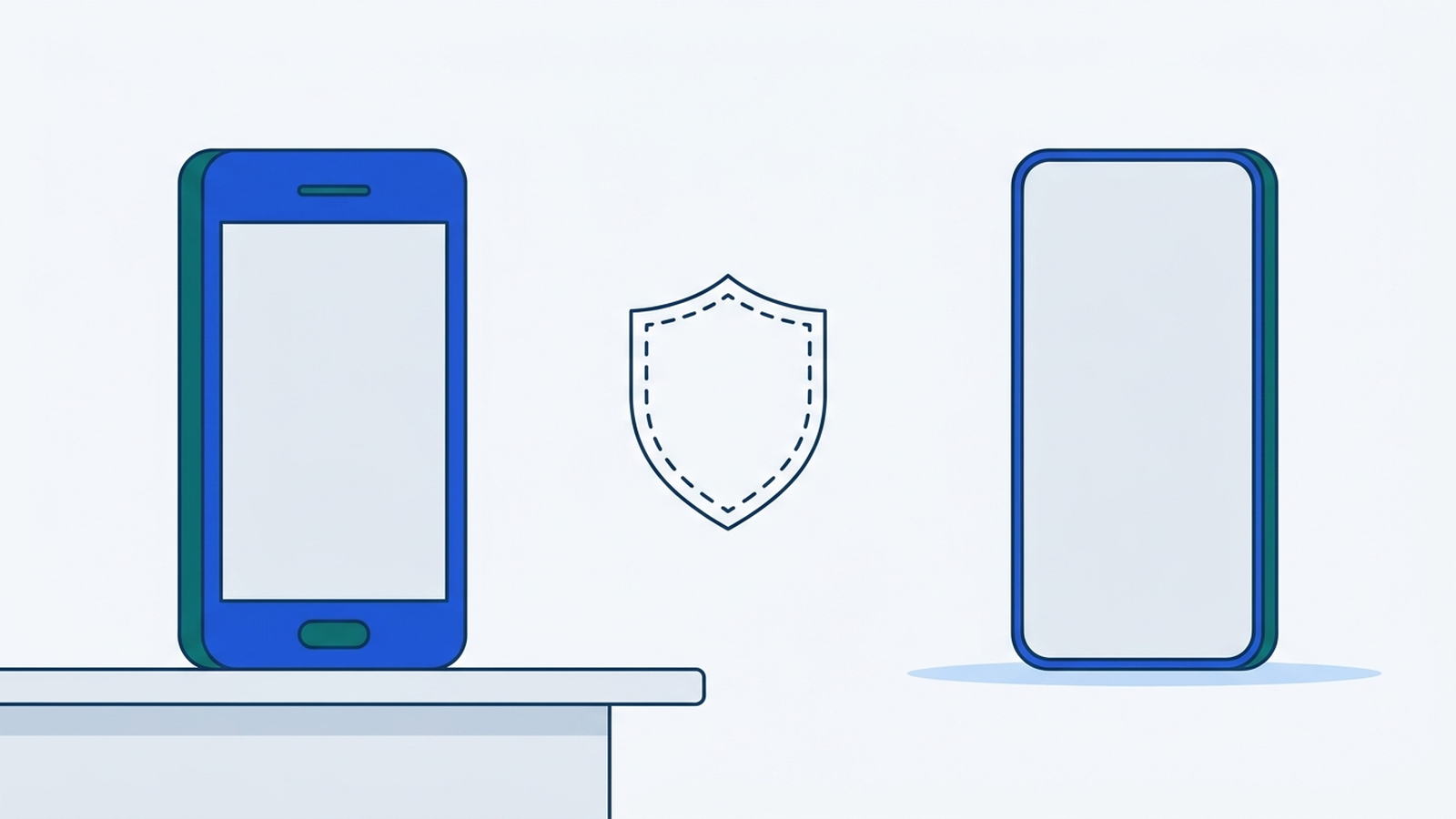
What security update end of life means
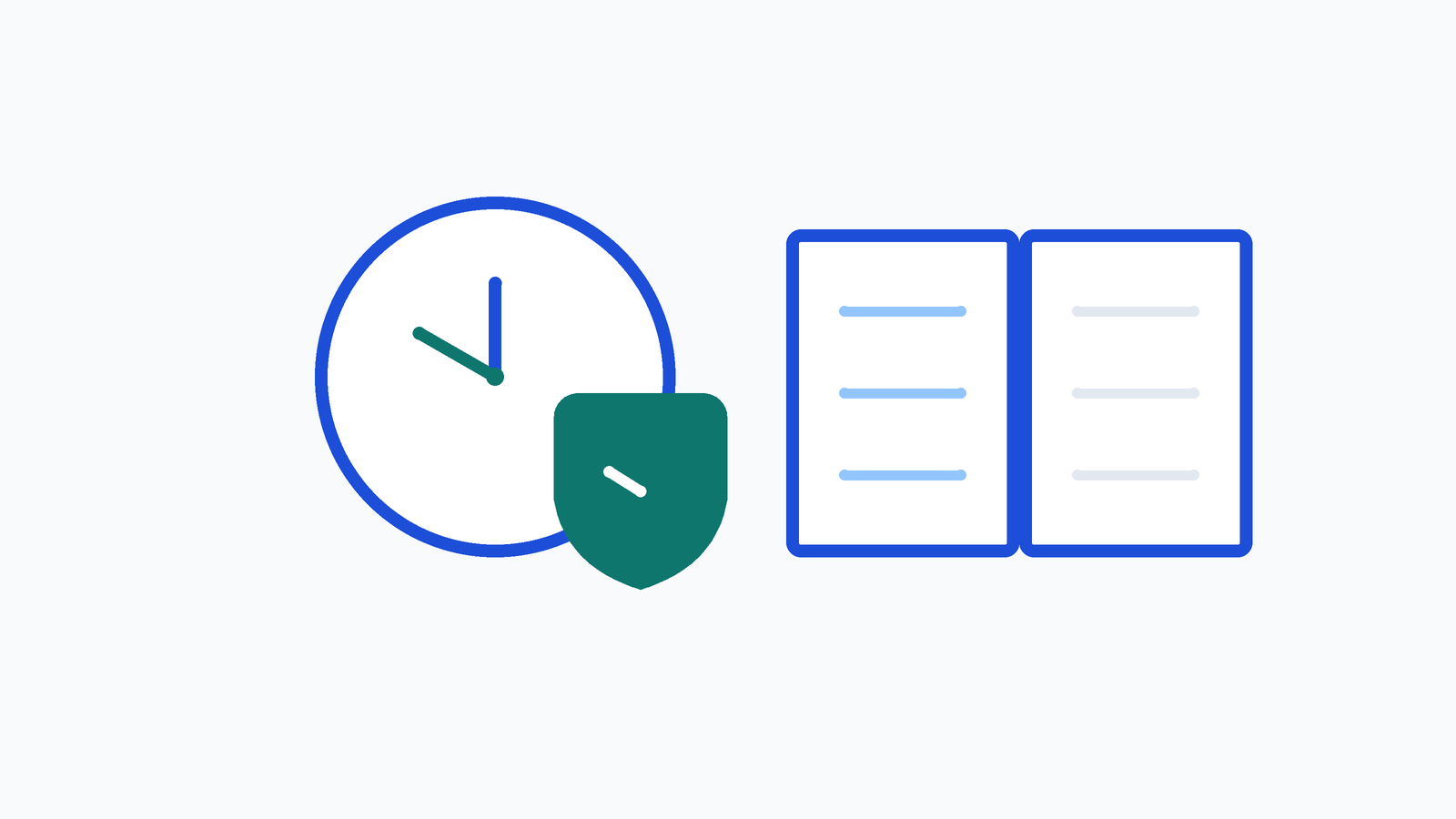
Device support ends in three separate stages: feature (OS) updates, security updates, and hardware repair support. Security patches often continue after major OS upgrades stop, so your replacement timeline should follow the security update end date.
Three different support dates
Across the 82 devices tracked in PatchClock, manufacturers frequently separate OS upgrades from security patches:
- Feature (OS) updates end: The last major OS version and new feature release your device receives.
- Security updates end: The date vulnerability fixes stop. PatchClock uses this date to mark a device as
Supported,Ending soon, orSupport ended. - Hardware repair support ends: A reference date for when official repair parts and service availability end.
Examples from tracked devices
Models such as Apple iPhone X, Apple iPhone 8 continued receiving security patches after their final major OS upgrade before reaching end of support. Newer flagship models like Samsung Galaxy S24 Ultra, Google Pixel 8 commit to matching multi-year windows for both OS upgrades and security updates.
Get the monthly end-of-support list
Sign in with your Google account to subscribe to the monthly list.
Monthly · Unsubscribe anytime after signing in
Checking where your device stands
Use Search devices to look up your exact model. Planning a replacement about 6 months before the end date gives you time to compare options. All 31 devices that have already reached end of support are listed on Support ended.